Zoom H5/UG/14 Other Functions/03 Remote Control
Properties
- logseq-entity
- Logseq/Entity/Book/Section/Level 2
Using a remote control
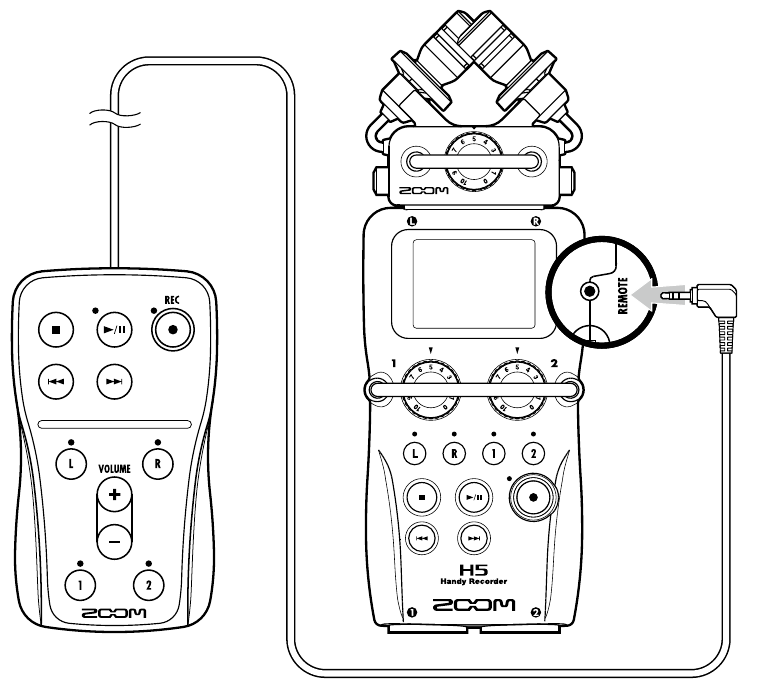
- A wired remote control lets you operate the H5 from a distance.
- 1. Connect the remote control to the H5's REMOTE jack.
- The remote's buttons work like the same buttons on the H5: STOP, PLAY/PAUSE, REC, Back, Forward, the track buttons L, R, 1 and 2, and VOLUME +/−.
Note/Info The remote control buttons still work while the hold function is on (Zoom H5/UG/07 Prep/03 Power On Off).