Zoom H5/UG/13 Settings/13 Test SD/02 Full Test
Properties
- logseq-entity
- Logseq/Entity/Book/Section/Level 3
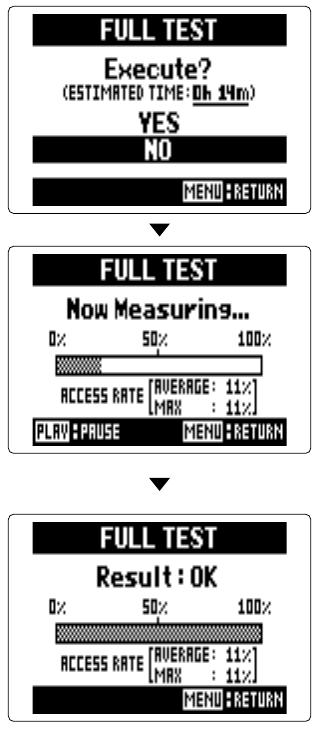
Conducting a full test
- 1. Press MENU, then use the scroll button to select
SD CARD > PERFORMANCE TEST > FULL TEST. - 2. When the estimated test time appears, select
YESand press the scroll button. - 3. To cancel the test, press MENU.
Note/Info A result of
OKdoes not guarantee that write errors will never occur. Treat the test as a guide only.
- 1. Press MENU, then use the scroll button to select