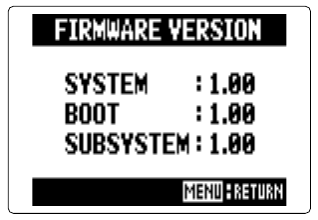
Zoom H5/UG/13 Settings/09 Firmware Versions
Properties
- logseq-entity
- Logseq/Entity/Book/Section/Level 2
Checking the firmware versions
- Press MENU, then use the scroll button to select
SYSTEM > FIRMWARE VERSION. - codekiln's own unit: Zoom H5/My Unit
- To install newer firmware, see Zoom H5/UG/14 Other Functions/01 Firmware Update.
- Press MENU, then use the scroll button to select