Zoom H5/UG/13 Settings/05 PAD
Properties
- logseq-entity
- Logseq/Entity/Book/Section/Level 2
Reducing the input signal level
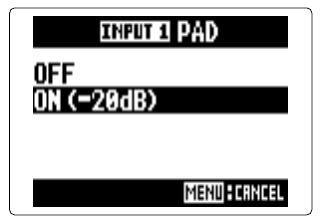
- The pad works on Inputs 1 and 2 only. It lowers the input signal by 20 dB, for example when connecting a mixer with a +4 dB standard output level.
- 1. Press MENU, then use the scroll button to select
IN/OUT > In1/2 PAD (-20dB). - 2. Use the scroll button to select
INPUT 1,INPUT 2orALL, then press it. - 3. Select
ON (-20dB)and press the scroll button.