Zoom H5/UG/13 Settings/04 Plug-in Power
Using plug-in power
- Turn plug-in power on before connecting a mic that needs it to the MIC/LINE input jack on the XY mic.
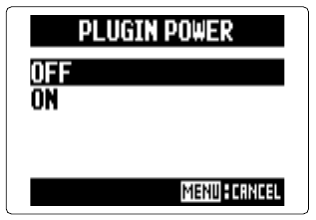
- 1. Press MENU, then use the scroll button to select
IN/OUT > PLUGIN POWER. - 2. Select
ON and press the scroll button.