Zoom H5/UG/12 Tools/10 Naming
Properties
- logseq-entity
- Logseq/Entity/Book/Section/Level 2
Setting how projects/files are named
- You can change the kind of name the H5 gives new projects and files.
- 1. Press MENU, then use the scroll button to select
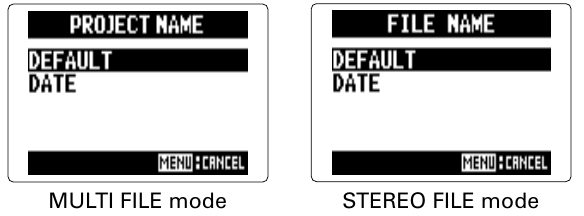
REC > PROJECT NAMEinMULTI FILEmode, orREC > FILE NAMEinSTEREO FILEmode. - 2. Use the scroll button to select the name type, then press it.
Name types