Zoom H5/UG/12 Tools/04 Line Out Level
Properties
- logseq-entity
- Logseq/Entity/Book/Section/Level 2
Lowering the line output level
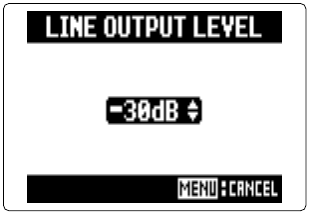
- You can lower the output level of the LINE OUT jack. Do this when the LINE OUT signal feeds a jack with high input gain, such as the external mic input on an SLR camera.
- 1. Press MENU, then use the scroll button to select
IN/OUT > LINE OUT LEVEL. - 2. Use the scroll button to set the LINE OUT level, then press it.
Note/Info This setting does not change the level from the PHONE jack.