Zoom H5/UG/11 USB/03 Interface Settings/03 Loop Back
Using Loop Back (STEREO only)
- In
STEREO mode, the H5 can mix the sound coming from the computer or iPad with the sound at its own inputs, and send that mix back to the computer or iPad (loop back). - Use it, for example, to add narration over a backing track playing on a computer, then record the result with software on the computer or stream it live over the internet.
- 1. Press MENU, then use the scroll button to select
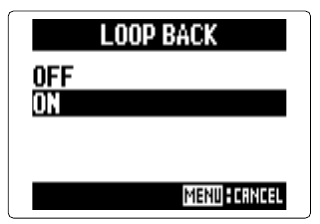
IN/OUT > LOOP BACK. - 2. Select
ON and press the scroll button. MENU cancels.