Zoom H5/UG/09 Playback/02 Select from Lists
Selecting playback project/files from lists
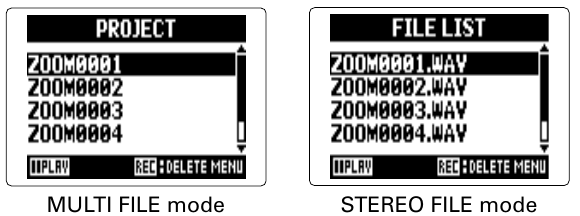
- 1. Press MENU, then use the scroll button to select
PROJECT(MULTI FILE mode) orFILE LIST(STEREO FILE mode). - 2. Use the scroll button to select the project or file to play, then press the scroll button.
- 3. Use the scroll button to select
PLAY, then press the scroll button.- The selected project or file starts playing.
Note/Info When it finishes, playback may continue with other projects or files, depending on the playback mode. See Zoom H5/UG/09 Playback/03 Playback Mode.
- 1. Press MENU, then use the scroll button to select