Zoom H5/UG/08 Recording/11 Side Mic Level
Properties
- logseq-entity
- Logseq/Entity/Book/Section/Level 2
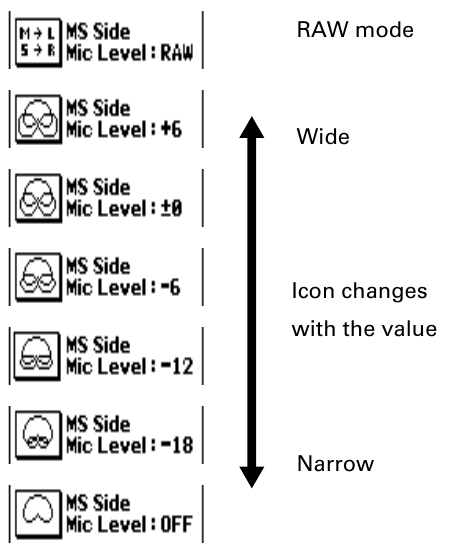
Adjusting the side mic level
- This works only with an input capsule whose side mic level (stereo width) can be adjusted, such as an MS capsule. Set the level before recording.
- 1. Move the scroll button up or down to adjust the side mic level.
Note/Info For a recording made in MS-RAW mode, move the scroll button up or down during playback to adjust the side mic level.
Note/Info An MS-RAW file is not an ordinary stereo file. To use it with other equipment, convert it to normal stereo with ZOOM MS Decoder or similar software.
Note/Info MS-RAW mode is available only when recording in WAV format.