VSCode/Panel
- Panel | Visual Studio Code Extension API
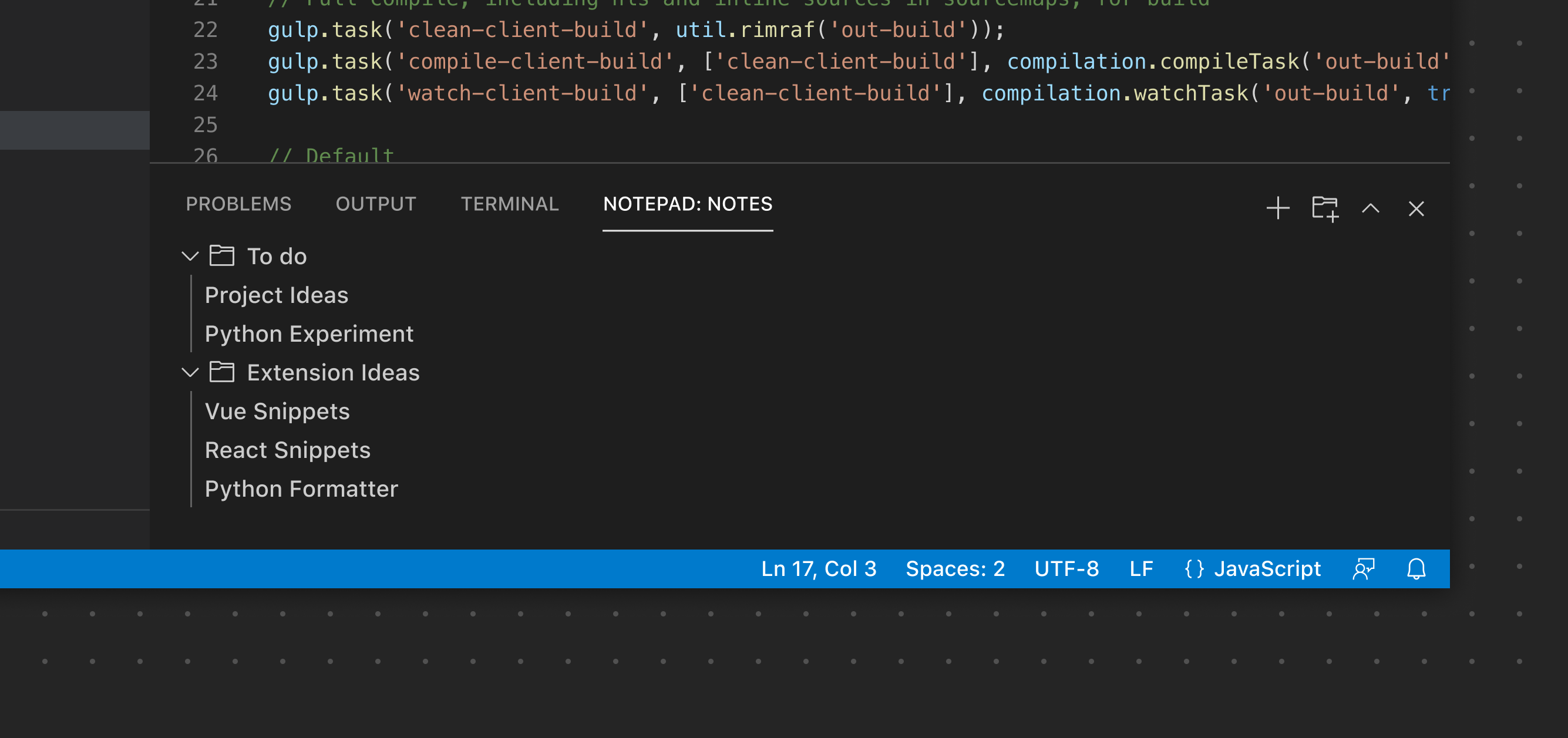
- The Panel functions as another main area to display View Containers.
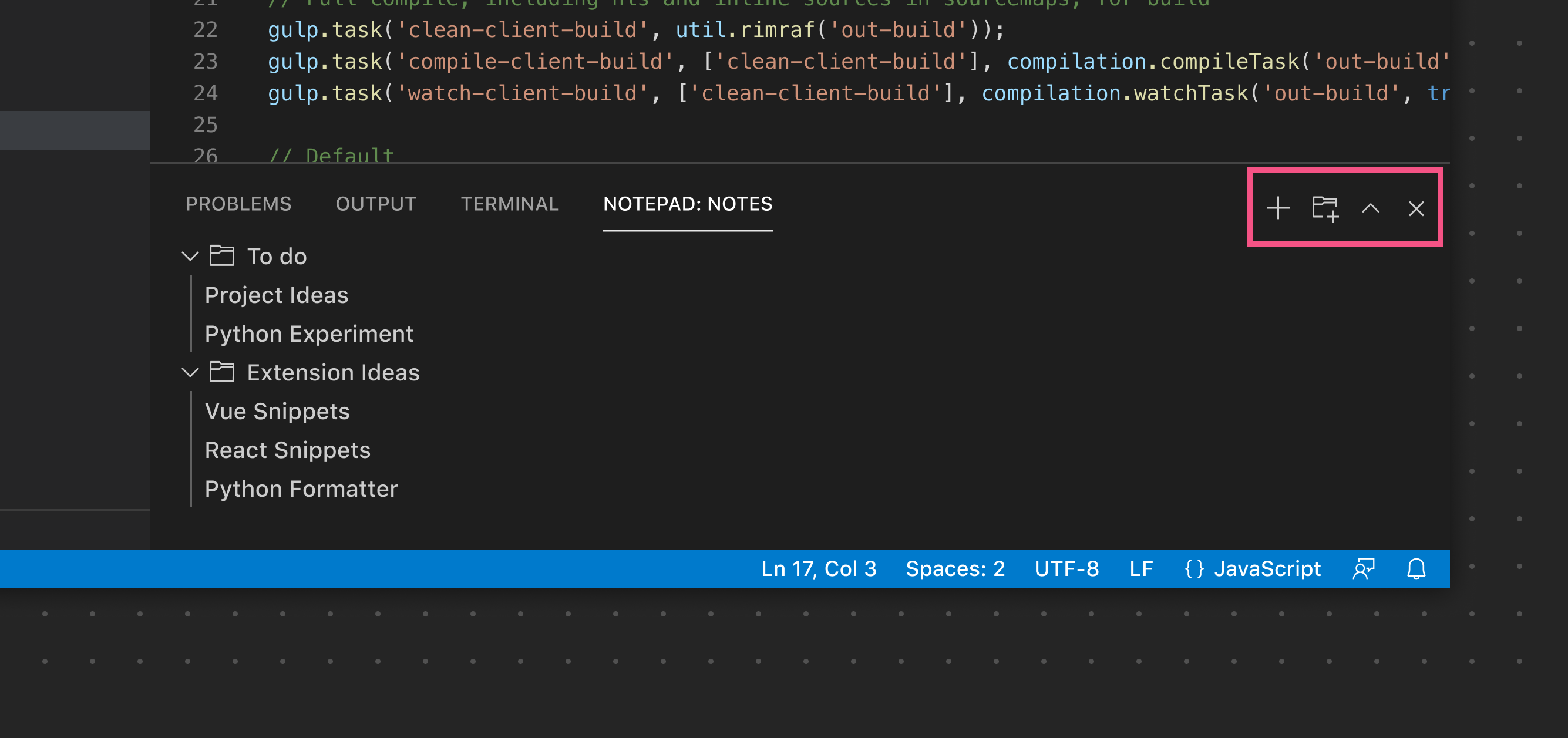
- The Panel Toolbar VSCode/Panel/Toolbar
The Panel Toolbar can expose options scoped to the currently selected View. For example the Terminal view exposes View Actions to add a new terminal, split the view layout, and more. Switching to the Problems view exposes a different set of actions. Similar to the Sidebar Toolbar, the toolbar will only render if there is just a single View. If more than one View is used, each View will render its own toolbar.
VSCode/Command and #Keyshort to make the VSCode/Panel appear or disappear #card
- VSCode/Command/View/Toggle Panel Visibility
- Command: View: Toggle Panel Visibility
- Keyshort: Cmd+J
- VSCode/Keymap
- VSCode/Command/View/Toggle Panel Visibility