VSCode/Docs/User Guide/Code Navigation
Properties
- Code Navigation in Visual Studio Code
#Keyshort for #VSCode - VSCode/Code Navigation
Quick file navigation
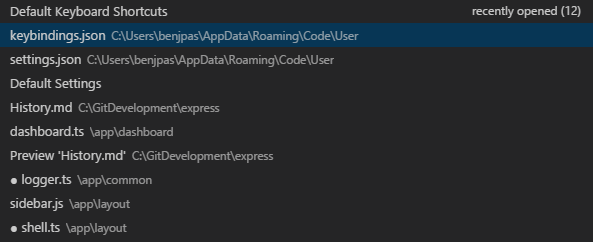
view a list of all files open in an VSCode/Editor/Group and then open one #card
navigate forwards and backwards between files and edit locations like
Ctrl+]in PyCharm and Vim #cardCtrl -andCtrl Shift -Alternatively, you can use ⌃- and ⌃⇧- to navigate between files and edit locations.
- note: this will navigate within a file as well as between files
- VSCode/Keymap
Breadcrumbs
use the drop-down menu in the breadcrumbs to navigate to another folder higher up
you can customize display of breadcrumbs
Breadcrumb keyboard navigation
how to focus breadcrumbs and interact with them for navigation #card
Cmd Shift Semicolonto focus the breadcrumbs, then left and right arrows, then typing namesuse the Focus Breadcrumbs command or press
⇧⌘;It will select that last element and open a dropdown that allows you to navigate to a sibling file or symbol.
Use the ← and → keyboard shortcuts to go to elements before or after AKA up the hierarchy or down the hierarchy of the current element.
Press Down to open the items in that dir. When the dropdown appears, start typing - all matching elements will be highlighted and the best match will be selected for quick navigation.
Go to definition - if a programming language is set up #card
If a programming language like python supports it [in VSCode], you can go to the definition of a symbol by pressing
F12.- Mnemonic: the other related command, Go to Implementation is
Cmd F12, which is a modifier of going to the Definition (rather than the concrete implementation)
Get a preview of the declaration #Mouse #card
Cmdand hover over symbol
- see also create a milestone for learning #Py in #VSCode: TODO VSCode/Proj/24t3/LearnVSCode/03 Basic Python
- Changelog:
Jump to definition or open definition to the side #Mouse #card
Go to Implementation #card
Cmd F12- Requires one a programming languages to be set up - see VSCode/Docs/Languages/Overview
- Note: this is different from Go to Definition because Go to Implementation is for finding how a method is implemented in specific subclasses vs Go to Definition which looks up where the current symbol is located - according to ChatGPT/GPT/VS Code Copilot here
- Mnemonic:
F12is Go to Definition, andCmd F12is a modifier to go to the Concrete Implementations
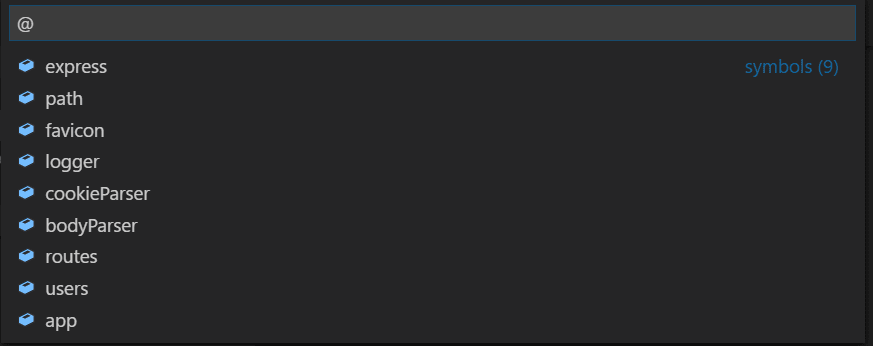
Navigate programming language symbols in a file, group by category #card
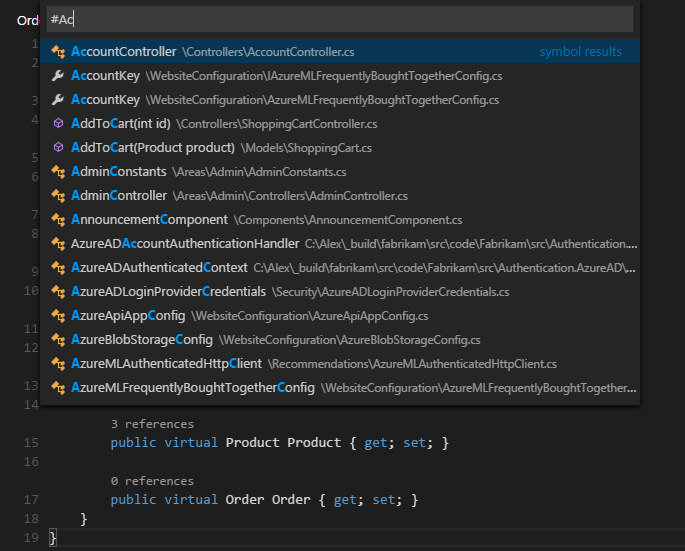
Open Symbol by Name #card