View as slides
Toggle theme
Use system theme
Launchpad/UI/5-Sequencer/View/Tempo
Properties
logseq-entity
Logseq/Entity/UI/Area
up
Launchpad/UI/5-Sequencer/View
Tempo view
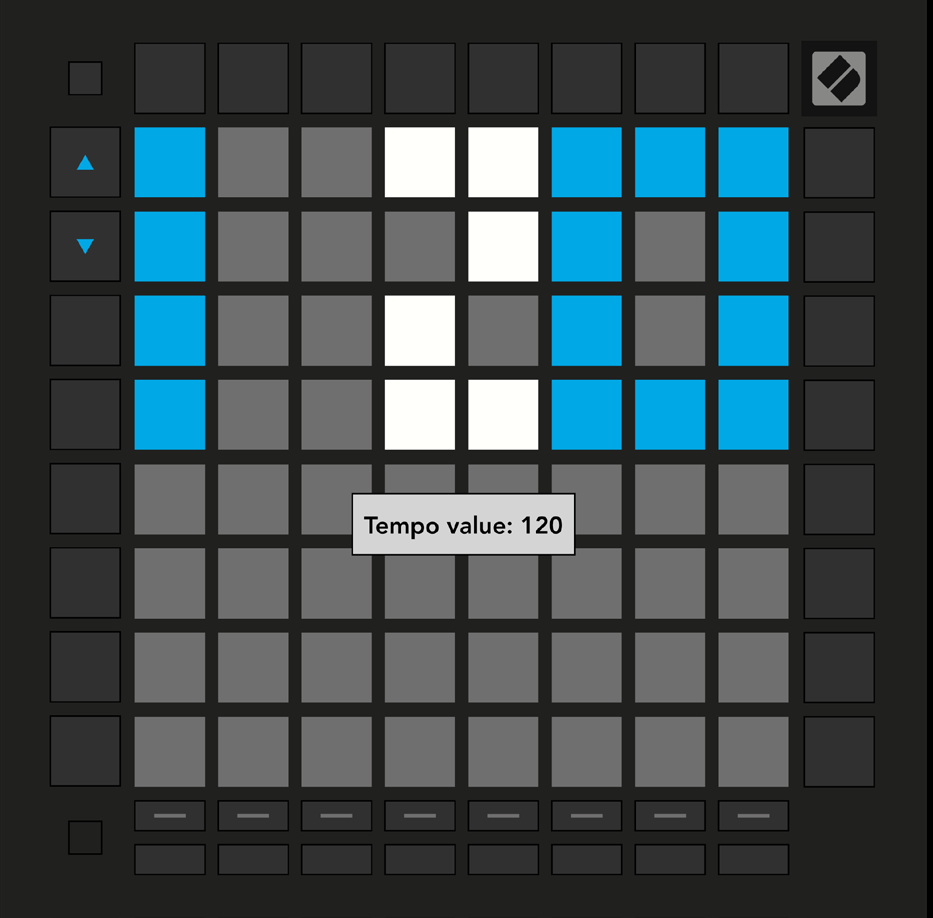
Hold Shift and press Device to open Tempo view, shown in blue and white. The number is the current BPM; the Up and Down arrows adjust it.
Source
Launchpad/UG/09 Sequencer/10 Tempo and Swing
2 Linked References
Hierarchy
Launchpad
/
UI
/
5-Sequencer
/
View
Unlinked References