Launchpad/UI/5-Sequencer/View/7-Micro-Step
Micro Step editing view
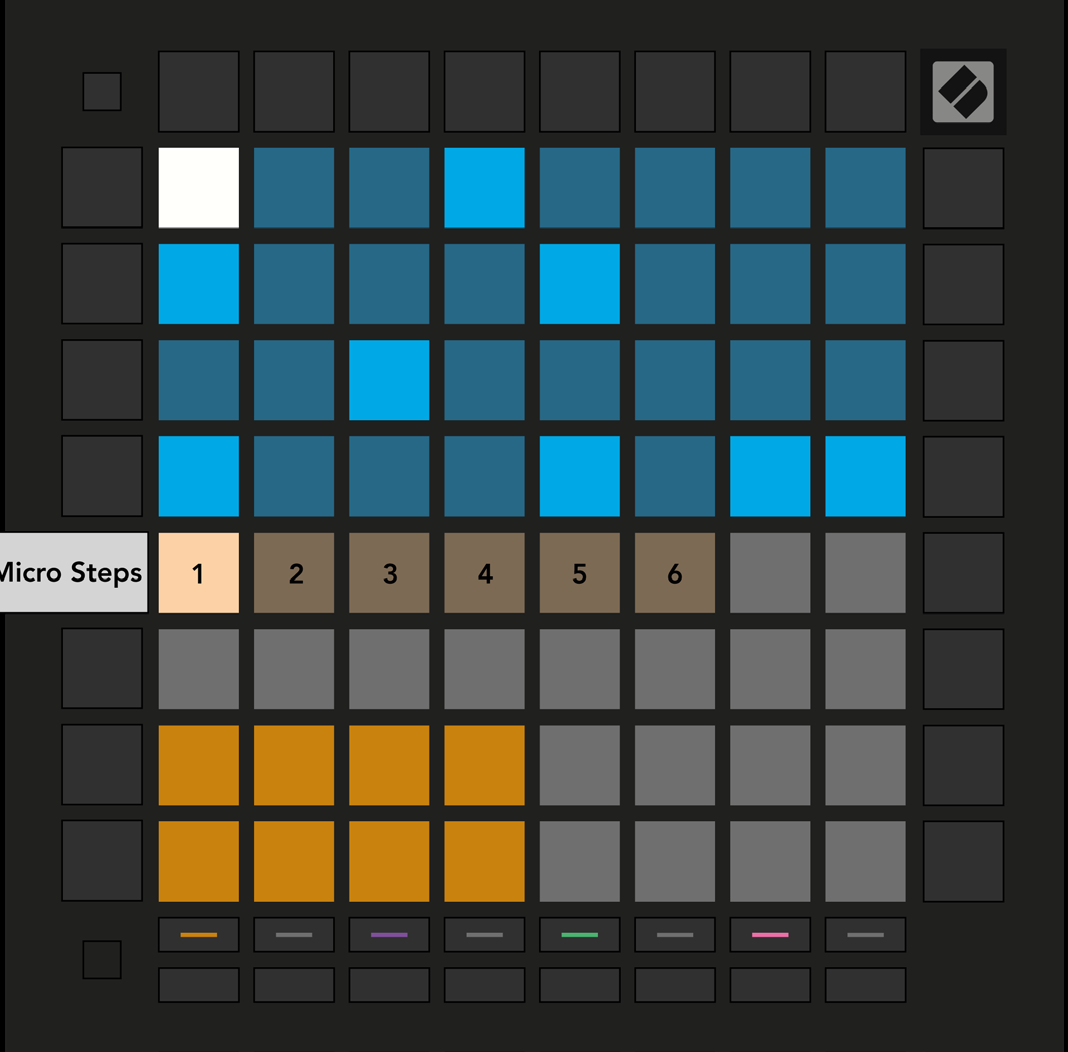
- The seventh button down the right-hand column opens Micro Step editing view. Select a step in the top half of the grid; the six leftmost pads of the Play Area's top row are that step's Micro Steps, for finer note placement within the step.
Source