Launchpad/UI/5-Sequencer/View/6-Mutation
Mutation view
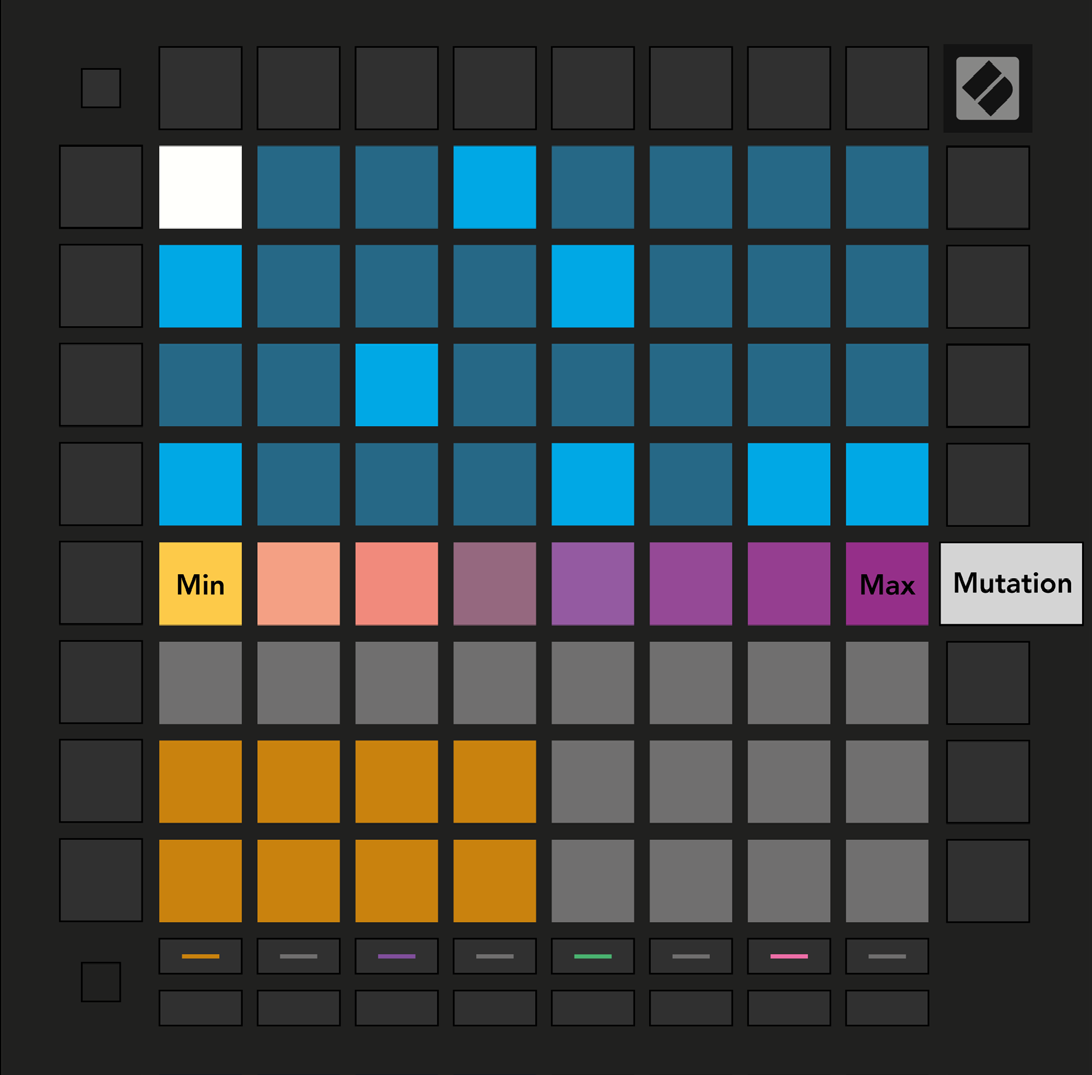
- The sixth button down the right-hand column opens Mutation view. Select a step in the top half of the grid, then press a pad on the eight-pad slider at the top of the Play Area to vary the pitch of its notes during playback. The leftmost pad means no Mutation.
Source