Launchpad/UI/5-Sequencer/View/3-Pattern-Settings
Pattern Settings view
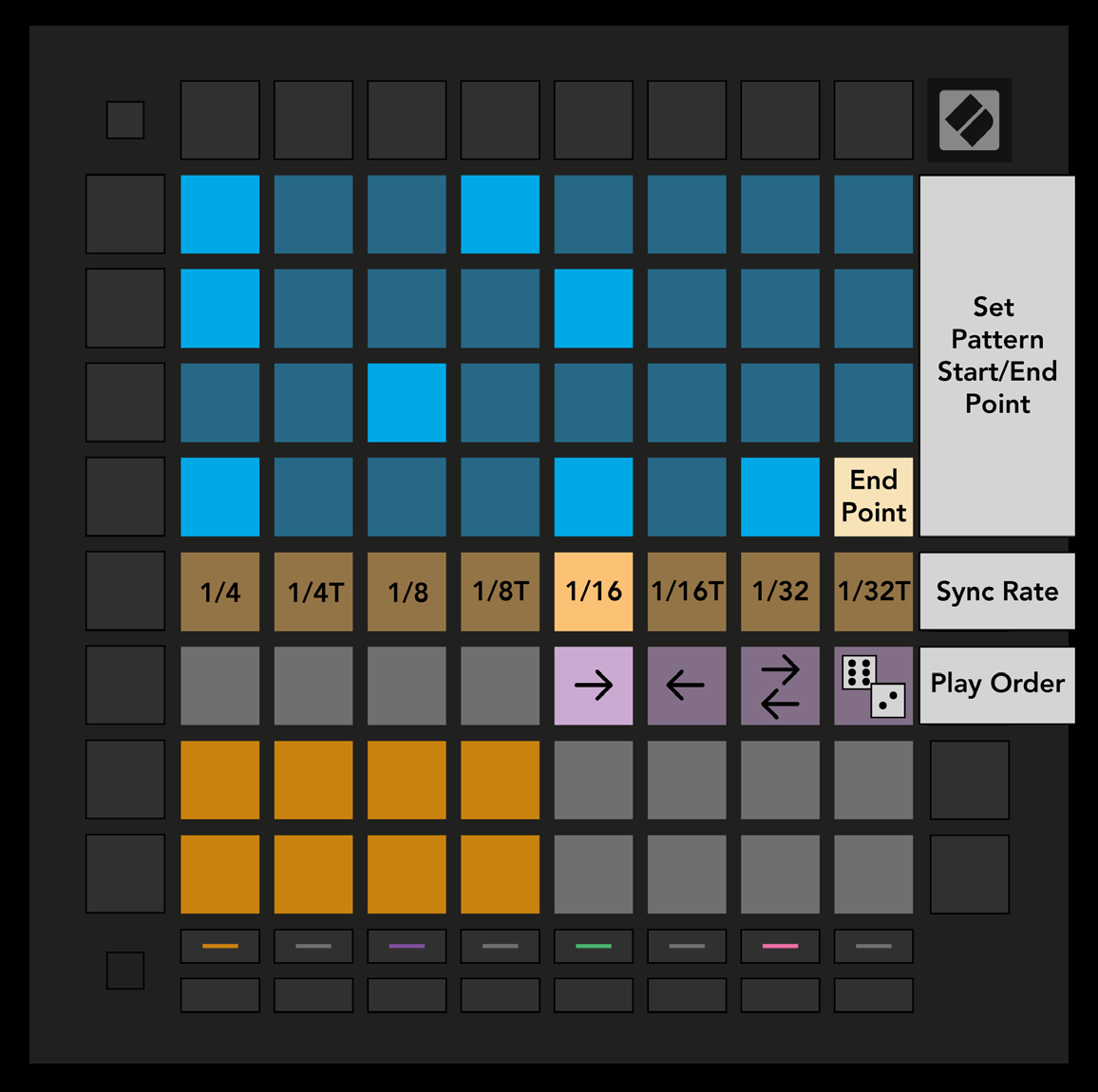
- The third button down the right-hand column opens Pattern Settings, which changes how steps play in the current Pattern. The top half of the Play Area becomes playback settings: sync rate, direction, and start and end.
Source