Launchpad/UG/10 Setup/07 Live and Programmer Mode
10.7 Live and Programmer Mode
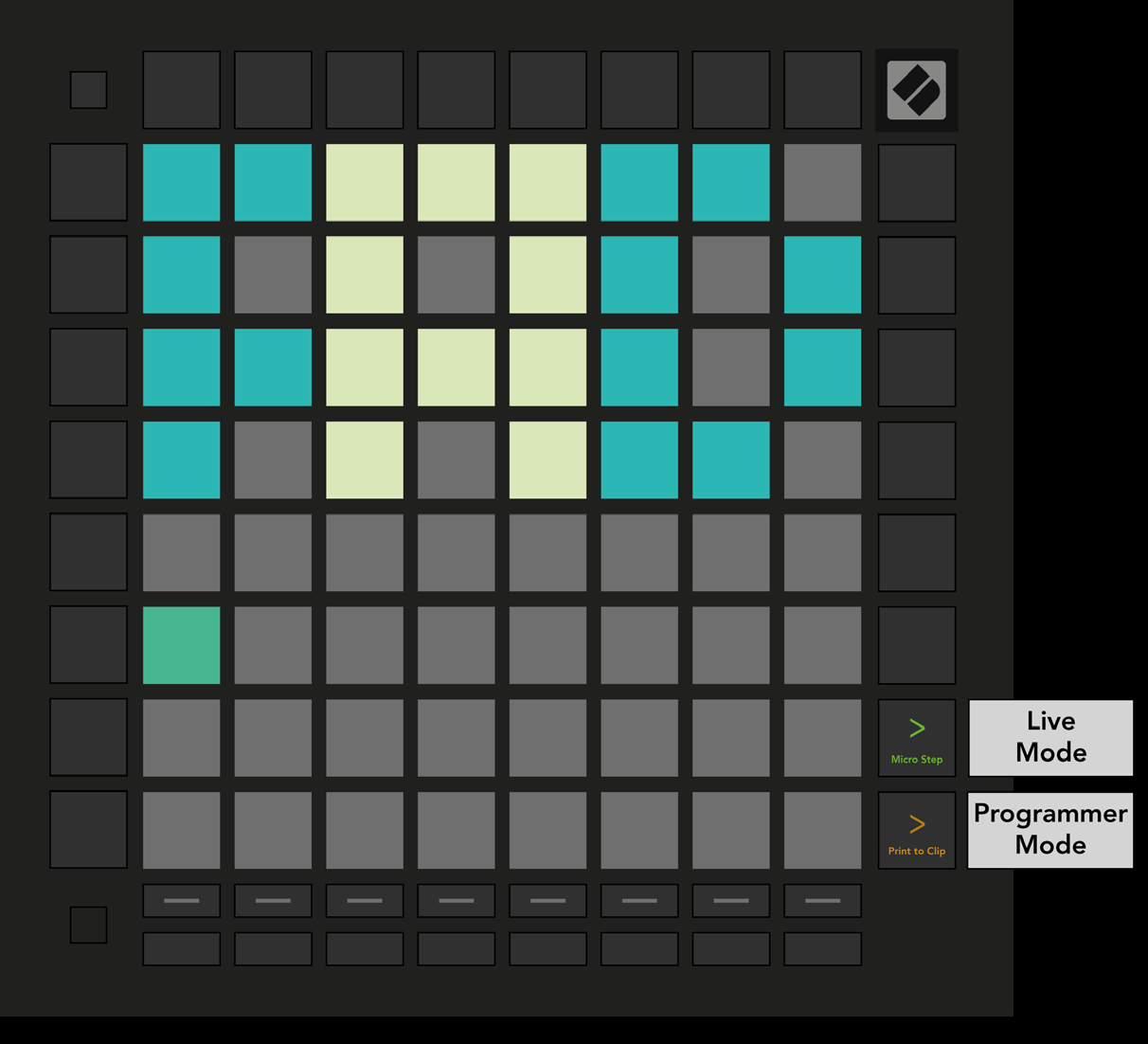
- Live Mode gives access to Session, Note, Chord, Custom, and Sequencer modes. It is the default at power-on.
- Programmer Mode lets external MIDI software control the surface. Each pad and button sends and responds to its assigned MIDI message; the other device modes are unavailable while Programmer Mode is active.
- Hold Setup and press the green Scene Launch button for Live Mode or the orange Scene Launch button for Programmer Mode. Release Setup to enter the selected mode.
- The Programmer’s Reference Guide describes the MIDI messages that light pads and buttons.
- 10.7.A — Live and Programmer Mode selection