Launchpad/UG/10 Setup/03 Velocity Settings
10.3 Velocity Settings
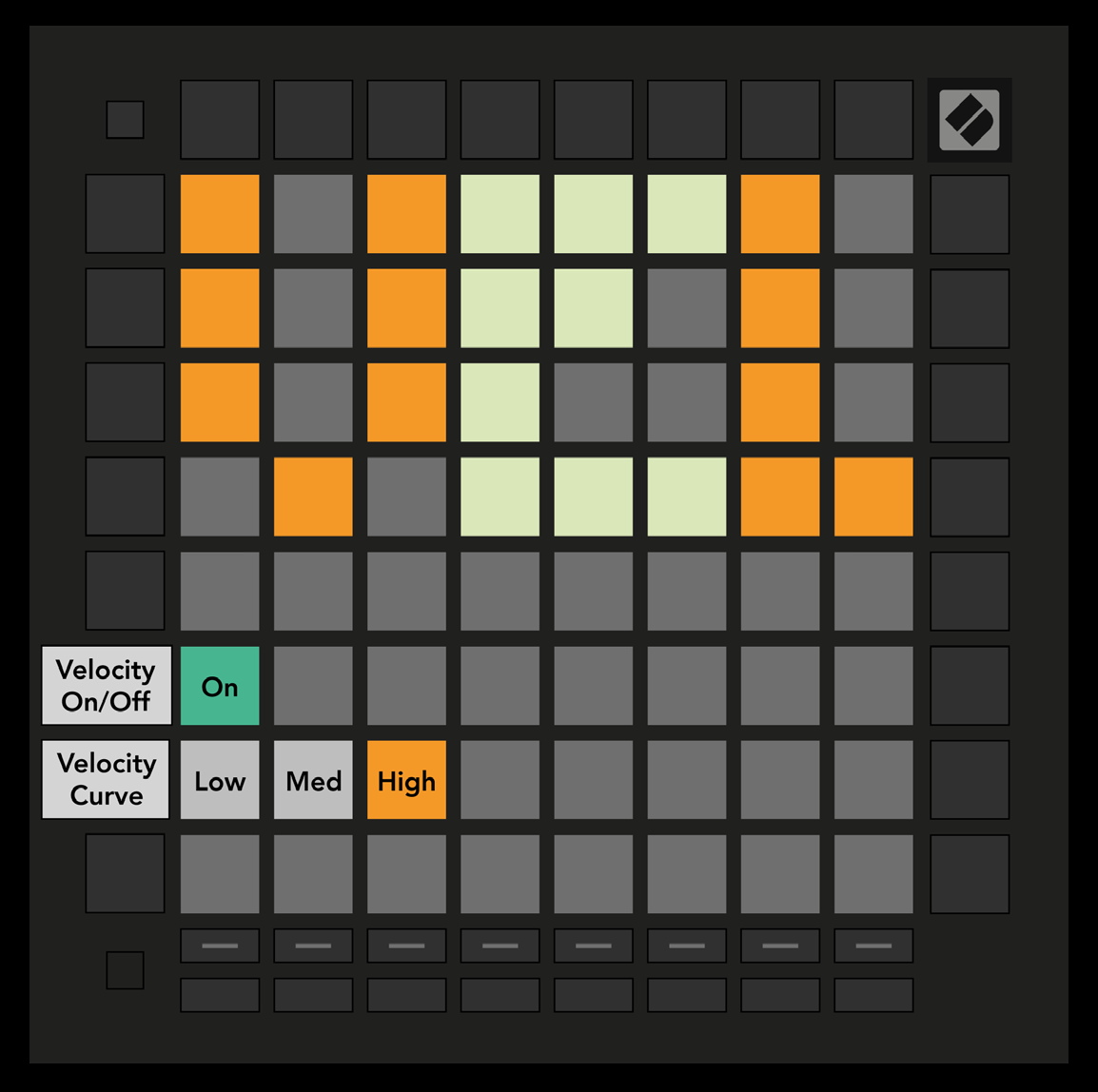
- Press the second Track Select button for VEL settings. Toggle pad velocity globally: bright green is enabled and dim red is disabled.
- Choose Low, Medium, or High velocity response. Low needs more force for a high value; High needs less. The selected curve glows bright orange; the others are dim white.
- 10.3.A — Velocity Settings view