Launchpad/UG/09 Sequencer/10 Tempo and Swing
9.10 Tempo and Swing
- Tempo sets beats per minute; Swing shifts off-beat timing.
9.10.1 Editing Tempo and Swing
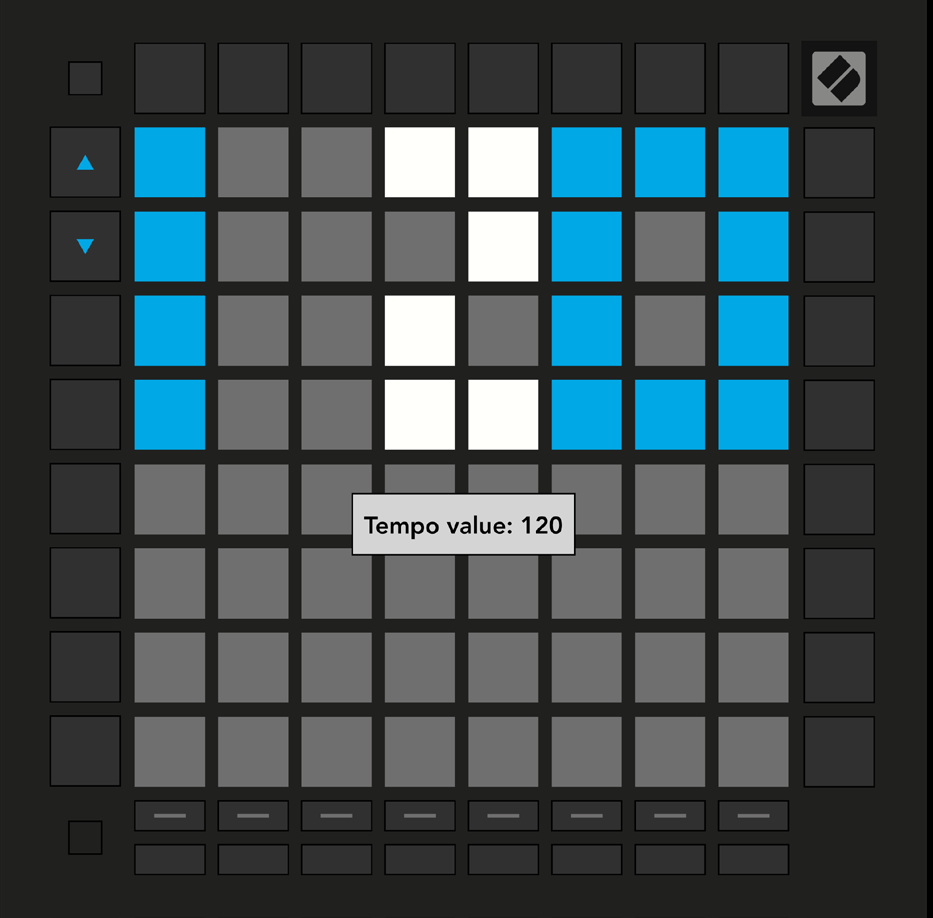
- Hold Shift and press Device to open Tempo view (blue and white). The displayed number is the current BPM.
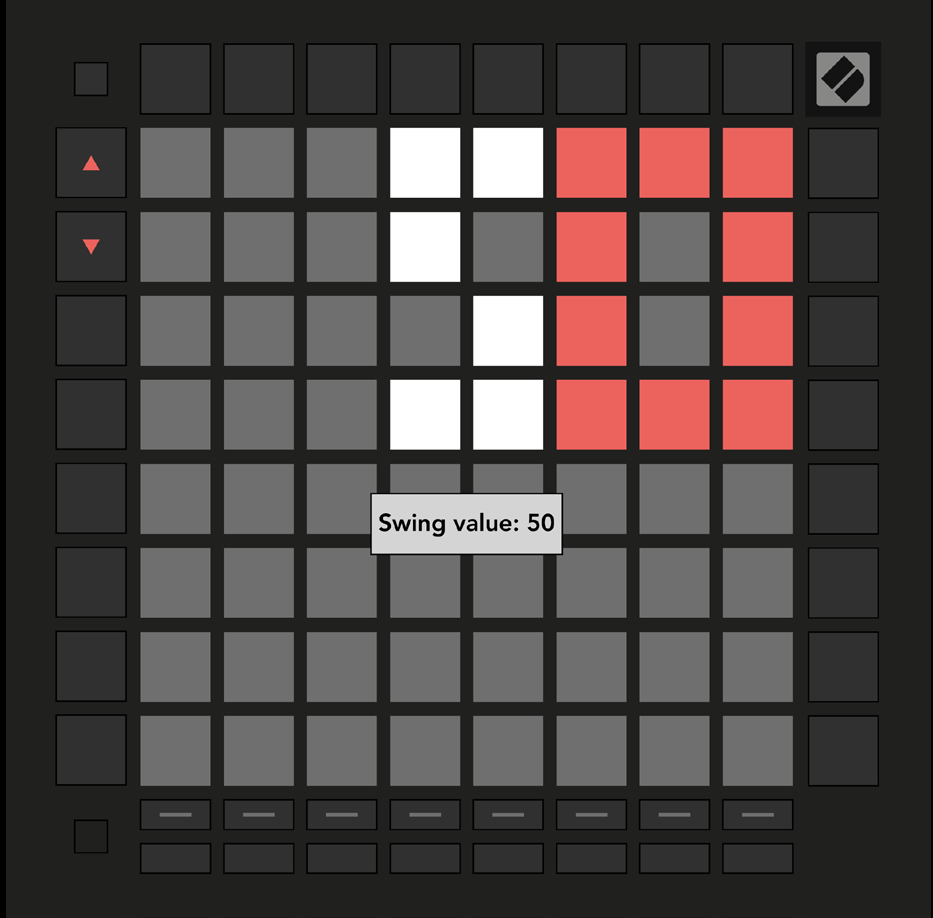
- Hold Shift and press Stop Clip to open Swing view (orange and white). A value above 50 delays off-beat notes; a value below 50 moves them earlier.
- Use the Up and Down arrows to adjust either value. Hold an arrow to cycle quickly.
- Tempo view
- Swing view