Launchpad/UG/09 Sequencer/09 Micro Steps
9.9 Micro Steps
- Micro Steps give finer note placement within a step, useful for strums and fast retriggers.
9.9.1 Editing Micro Steps
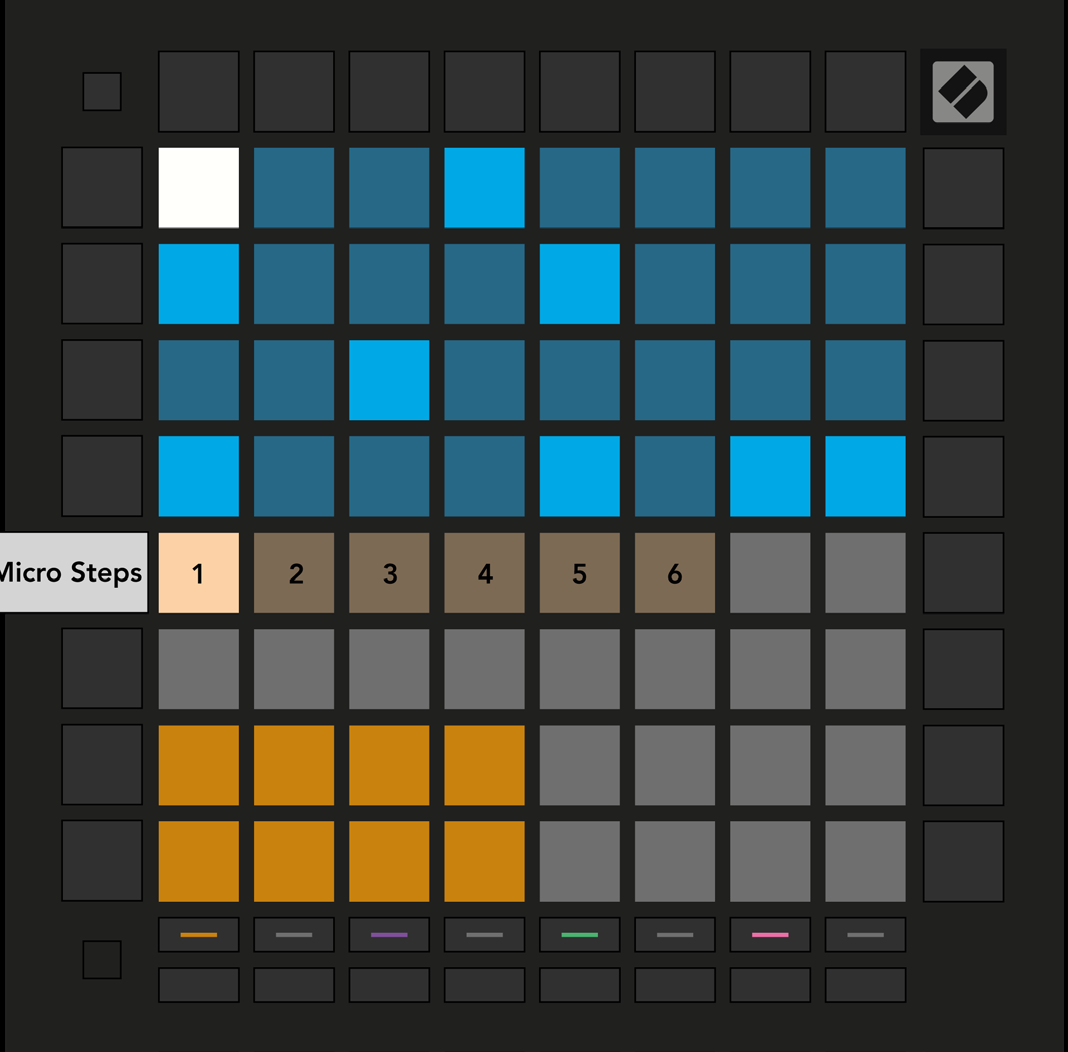
- Press Micro Steps and select a step in the top half of the grid. The six leftmost pads of the Play Area’s top row represent that step’s Micro Steps.
- Hold a note in the Play Area and press a Micro Step to assign it. To remove a note, hold its Micro Step and press the assigned red note in the Play Area.
- Micro Step editing view
9.9.2 Clearing micro steps
- Hold Clear and press a Micro Step to erase its notes. To remove one note, hold the Micro Step and press the assigned red note in the Play Area.
9.9.3 Duplicating steps
- Hold Duplicate and press a source Micro Step, then press a destination Micro Step while still holding Duplicate.
- The paste does not occur if it would raise the total notes on the whole step above eight.