Launchpad/UG/09 Sequencer/06 Velocity
9.6 Velocity
9.6.1 Step Velocity edit
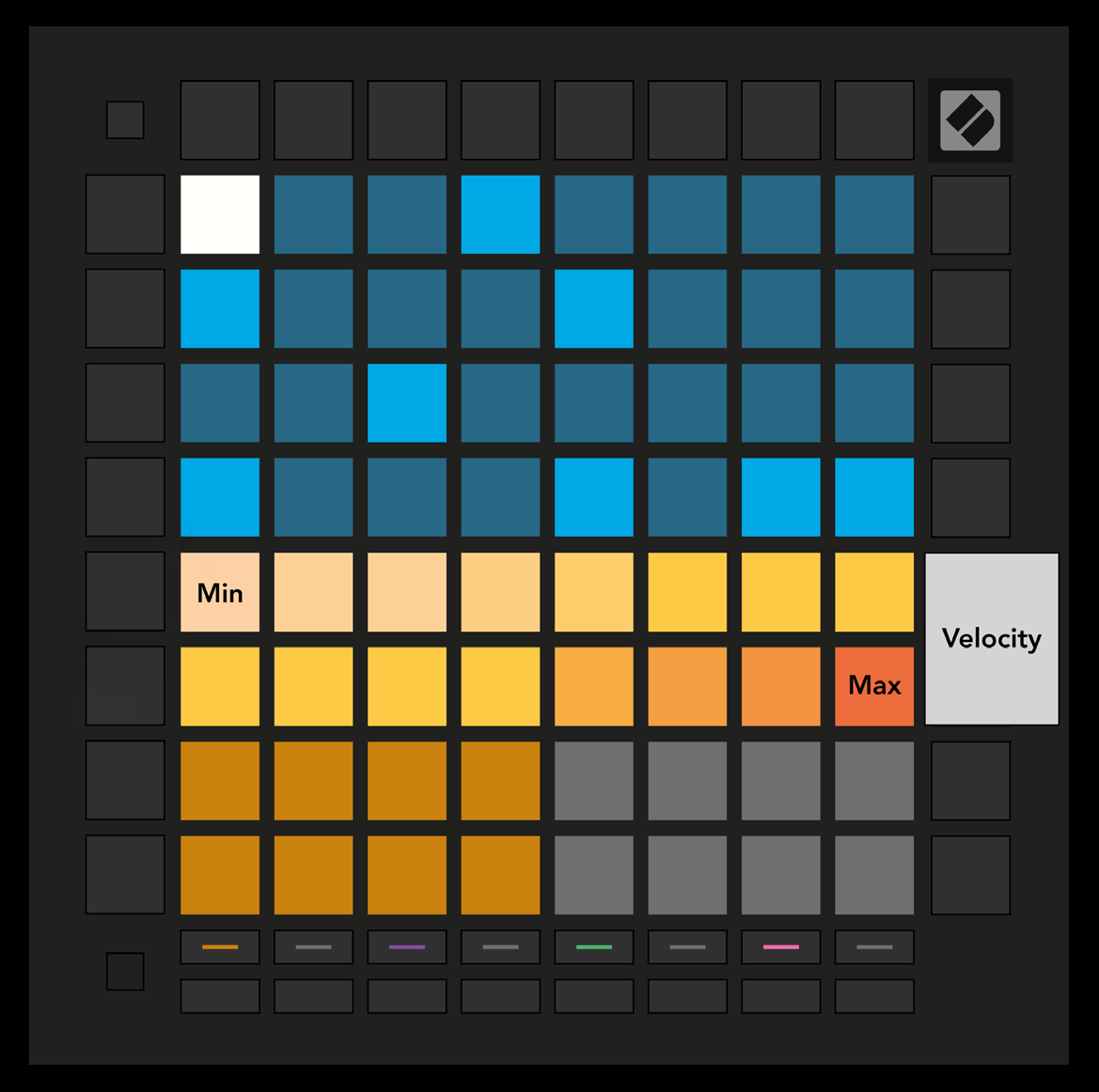
- Press Velocity to see and edit the velocity of each step. Select a step in the top half of the grid; its velocity appears on the two-row slider at the top of the Play Area.
- Press a slider pad to set the selected step’s velocity from 1 (minimum) to 16 (maximum). Manual edits set every note on a multi-note step to the same velocity.
- Velocity view
9.6.2 Live Recording with Velocity
- Live recording can put notes with different velocities on one step. Bright pads show the lowest velocity; dim pads show the range up to the highest recorded velocity.