Launchpad/UG/09 Sequencer/02 Steps View/07 Gate Length
9.2.7 Setting gate length
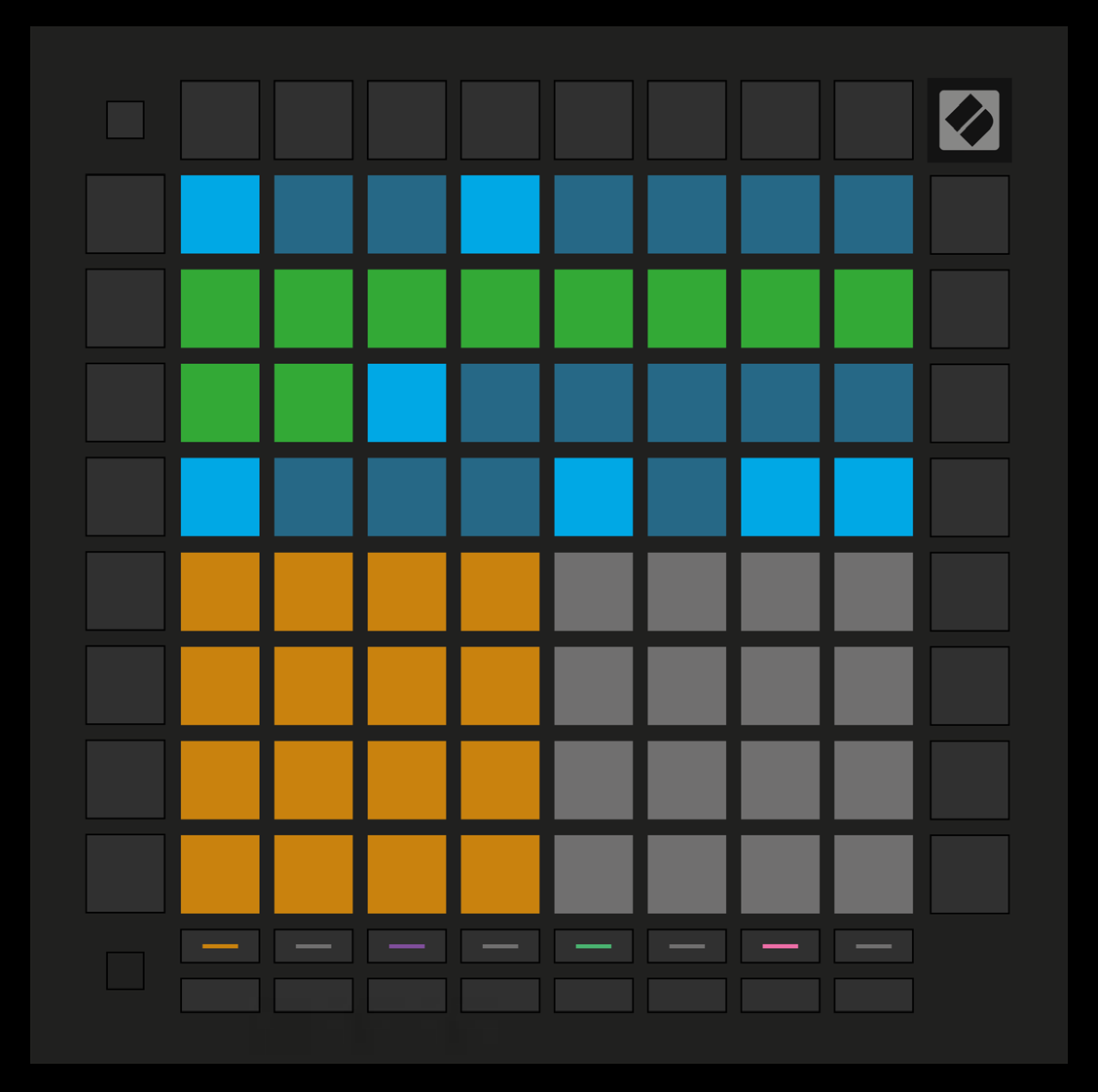
- Press and briefly hold a step until it pulses green. Keep holding it and press a later step to set how many steps the notes last. The intervening steps pulse green.
- To reset the gate to one step, press the pad that would set a two-step gate twice. The second press returns the gate to one step.
- Ten-step gate length