Launchpad/UG/08 Custom Modes/03 Master MIDI Channel
8.3 Custom Mode Master MIDI Channel
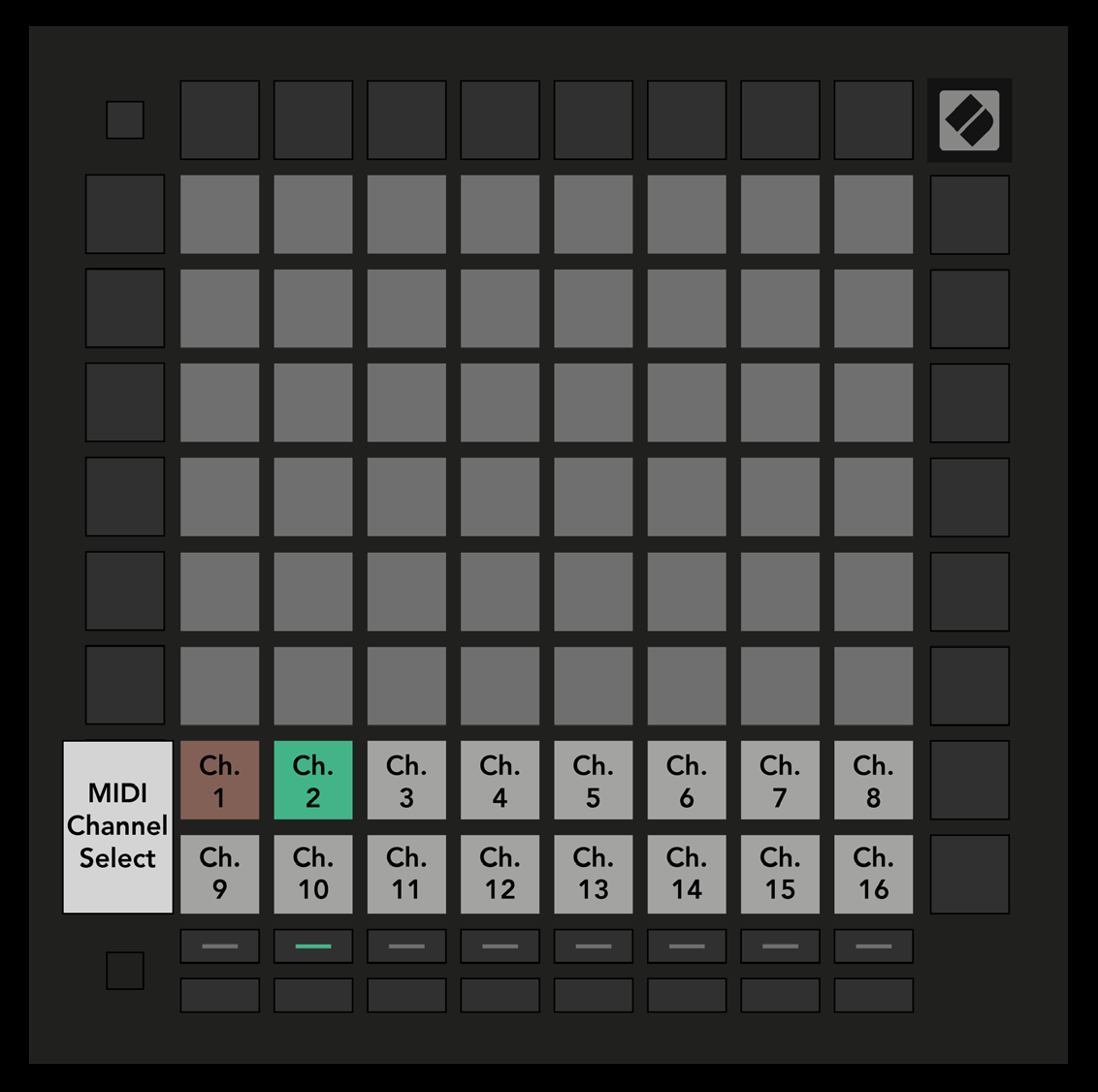
- Hold Shift and press Custom. The bottom two rows show MIDI channels 1–16 for the selected mode. Each Custom Mode has its own Master Channel.
- Select a mode with Track Select, then press its desired channel pad. The active mode and its channel glow green; channels stored for inactive modes show dim red.
- 8.3.A — Selecting a Custom Mode Master Channel