Launchpad/UG/06 Note Mode/06 Drum Mode
6.6 Drum Mode
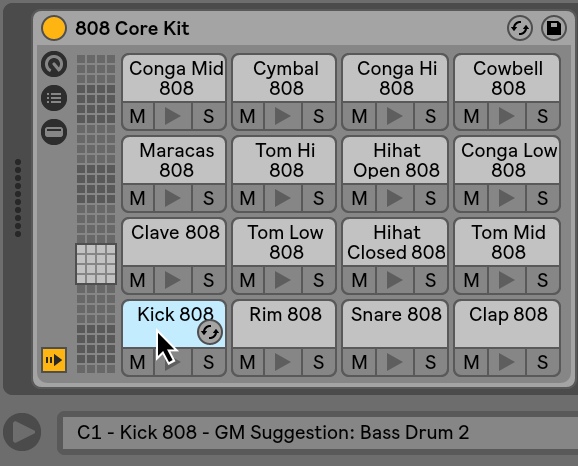
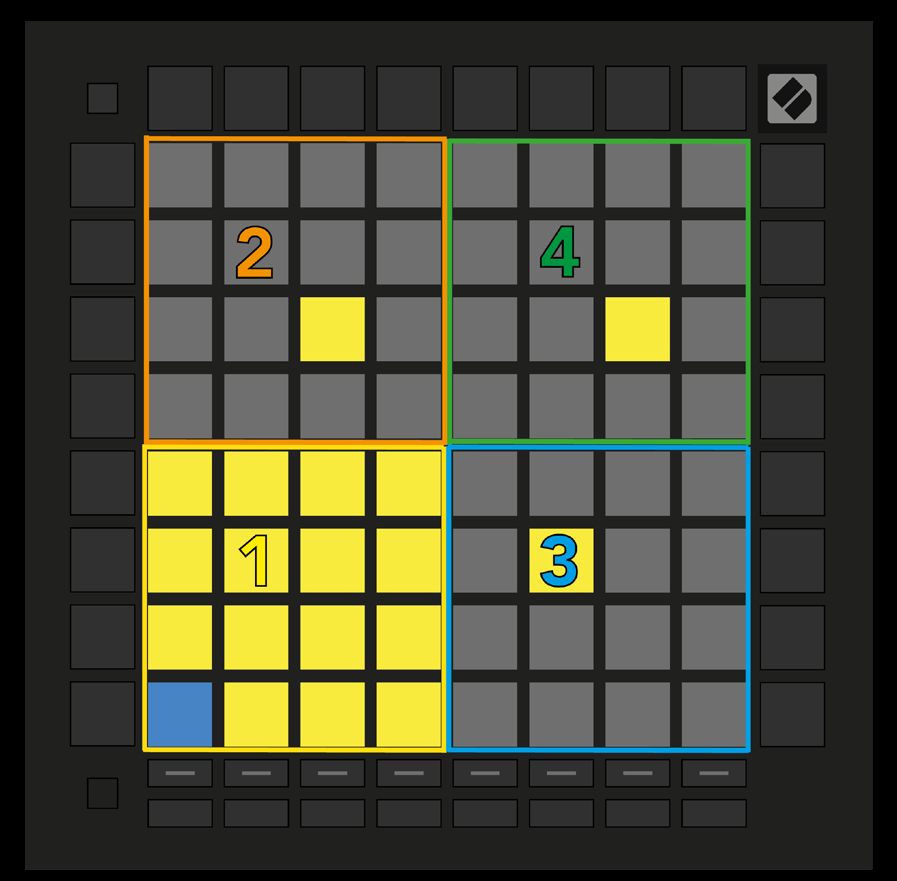
- Arming a Live track containing Drum Rack switches Note Mode to a four-quadrant Drum layout. Filled Drum Rack slots light on the grid; the lower-left quadrant matches the slots currently visible in Live.
- 6.6.A — Drum grid mapped to Live Drum Rack
- Up/Down scrolls sixteen slots at a time; Left/Right scrolls four. A loaded sample in another quadrant glows yellow. Press a drum pad to select it in Live; the pad turns blue for editing.
- Arming a track with another instrument restores the chosen Scale or Chromatic layout. To hear a Drum Rack, arm its track and set Live monitoring to Auto.