Ableton/Live/UG/32 Max for Live/04 Building Max for Live MIDI Tools
- Two ways to build a Max for Live MIDI Tool:
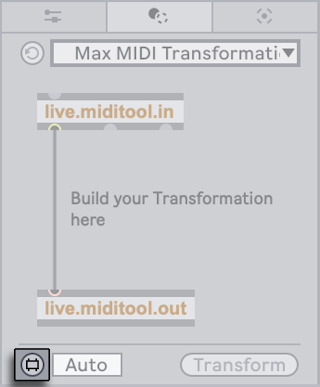
- start from the Max MIDI Transformation or Max MIDI Generator template in the Transformation or Generative Tools tab
- edit an existing Max for Live MIDI Tool
- Click the tool's Edit button to open the patcher, then save from its File menu.
- Default save folders:
- Transformations:
~/Music/Ableton/User Library/MIDI Tools/Max Transformations - Generators:
~/Music/Ableton/User Library/MIDI Tools/Max Generators
- Any folder added to Places in the browser also works. Live's Indexer only finds MIDI Tools in the default folders or in Places; tools saved elsewhere do not show up in Clip View's Transformation and Generative Tools menus.
- The Max for Live MIDI Tools guide in the Max documentation (Help → Reference → Max for Live → Guides) walks through patching a Transformation or a Generator.