Ableton/Live/UG/32 Max for Live/03 Editing Max for Live Devices
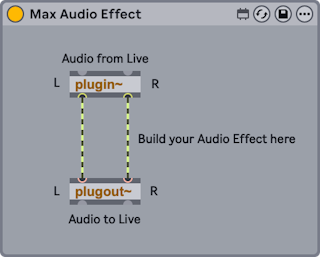
- A Max device, or "patch", is a set of objects passing data to each other through virtual cables. In the default Max Audio Effect, the
plugin~ object takes audio in from the device's place in the chain and passes it to plugout~, which sends it on to the next device. - To start a new device, drag Max Instrument, Max MIDI Effect or Max Audio Effect from the browser into the Set. Any existing Max device can be edited the same way.
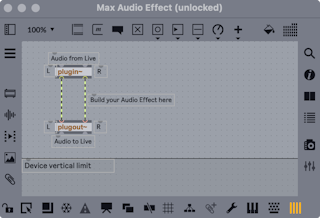
- Open the Max editor, also called the patcher, with Edit in Max from the context menu or from the Show Options menu in the device title bar.
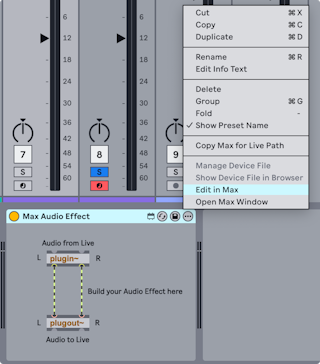
- Before Live 12.2 devices had an Edit button in the title bar instead. Adding
-MaxForLiveDeveloperMode to Options.txt brings it back.
- Save from Max's File menu.
- Save updates every instance of that device in the Set.
- Save As asks whether the change applies to the edited preset only or to all instances.
- Max devices are saved as separate Ableton/File/.amxd files, not inside the Live Set. By default each type goes to its own folder in the User Library, such as Max Audio Effect or Max MIDI Effect. Keep that default: moving or renaming an AMXD file breaks the path stored in the Set. The File Manager can find a missing file.