Ableton/Live/UG/23 Instruments and Effects/02 Using Devices/02 Device A-B Comparison
- Every built-in device holds two states, A and B, with separate parameter values, for comparing edits — useful for presets, EQ and compression.
- On loading, A and B are the same. Edits go to A while B keeps the starting values.
- Compare: Copy A to B (Edit menu, context menu or Show Options) copies values across; Compare: Switch to B, or
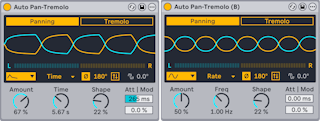
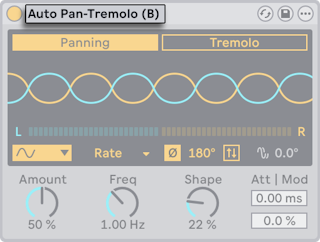
P, switches state. The title bar shows "(B)" while B is active. - Not available for Racks, Max for Live devices or plug-ins.
- Automation belongs to one state: switching disables it, and switching back doesn't re-enable it. Use Re-Enable Automation in the parameter's context menu in the state you want.
- Copying a device, or saving it as a preset, takes only the active state's values and uses them for both A and B.
- Max for Live can reach the states through the Live API.