Ableton/Live/UG/23 Instruments and Effects/02 Using Devices/01 Device Title Bar
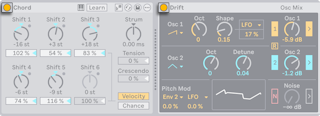
- The title bar turns the device on and off, saves and hot-swaps presets, saves defaults and opens the context menu. Some devices add controls, such as a scale awareness toggle or the Chord device's Learn toggle.
- The Activator toggle switches a device off as if removed: the signal passes untouched and it uses no CPU. Freezing tracks helps with heavy devices.
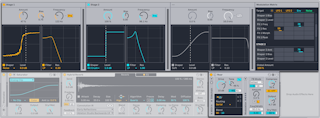
- An arrow next to the Activator opens a view above the Device View, such as Roar's Gain Stage and Modulation Matrix or EQ Eight's frequency display.
- A triangle in the title bar expands a view inside the device, such as Phaser-Flanger's LFO and Envelope Follower.
- Right-click the title bar or use the Show Options toggle for the context menu: general commands like Cut, Copy and Rename, plus device-specific ones such as Auto Filter's Mono Sidechain.