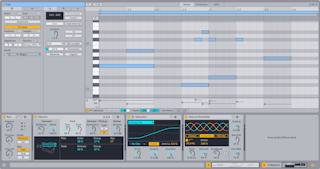
Ableton/Live/UG/23 Instruments and Effects/01 Device View
- The Device View at the bottom of the window shows the selected track's devices; double-click a track's title bar to open it.
- Normally Clip View and Device View take turns. The toggles next to their selectors at the bottom right stack Clip View above Device View so both stay open.
Cmd+Option+3 / Cmd+Option+4 (Mac) or Ctrl+Alt+3 / Ctrl+Alt+4 (Windows) show or hide Clip View and Device View.- Double-click a device's title bar, or choose Fold, to collapse it.