Ableton/Live/UG/21 Comping/01 Take Lanes
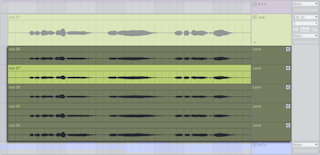
- Every audio or MIDI track in Arrangement View has a main lane, heard by default, and any number of take lanes, heard only when auditioned.
- Take lanes appear automatically when recording in the Arrangement and can be added by hand.
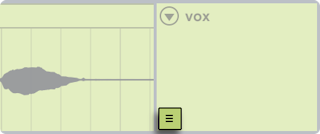
- Show or hide them with Show Take Lanes in the track header's context menu, the toggle on the main lane, or
Cmd+Option+U (Mac) / Ctrl+Alt+U (Windows). - The left arrow key moves from a take lane to the main lane and folds the take lanes.
- Take lanes are hidden in Ableton/Live/UI/Arrangement View/Toggle/Automation Mode; showing or inserting them leaves that mode.