Ableton/Live/UG/20 Bounce to Audio/01 Bouncing Individual Tracks
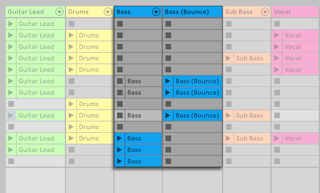
- Bounce Track in Place replaces a track with an audio track of its output. It replaces Freeze and Flatten from earlier versions. Find it in the track title bar's or a clip's context menu.
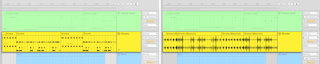
- Bounce to New Track renders selected clips or a time selection to a new audio track and mutes the originals. Context menu, or
Cmd+B (Mac) / Ctrl+B (Windows). - Bounces are taken after the effects and before the mixer: device processing is printed, while volume, pan and sends carry over as settings on the new track.
- A time selection across several Arrangement tracks makes one new audio track per track with a selected clip.
- Bounce Track in Place affects both views and bounces both Session and Arrangement clips. Bounce to New Track bounces only the selection; the new track appears empty in the other view.
- New tracks and clips are named after the source plus "(Bounce)" and take the source track's colour. Files go to the Project's Samples/Processed/Bounce folder.