Ableton/Live/UG/18 Mixing/07 Track Delays
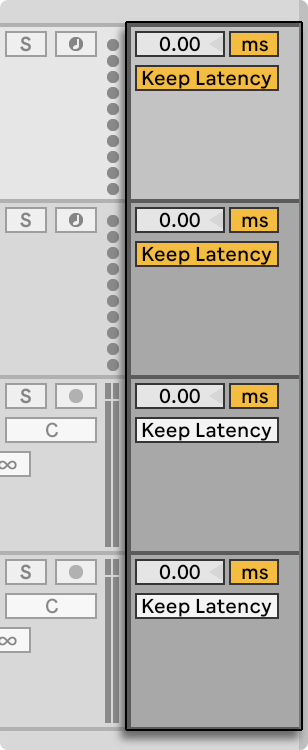
- Track Delay shifts a track's output earlier or later, to make up for human, acoustic or hardware delays.
- Show it with Track Options in View → Mixer Controls or the mixer config menu (below the track controls), or in View → Arrangement Track Controls (to the right of them).
- Set the amount with the slider and pick milliseconds or samples with the toggle.
- Avoid changing it during a performance, as it can click. For small offsets of Session clips, use Nudge in Clip View instead.
- Device delay compensation is separate and on by default. Very large delays or plug-in latencies can make Live sluggish; turning compensation off is not usually advised, and disables Track Delay.