Ableton/Live/UG/14 Grooves/02 Editing Grooves
- What a groove does depends on its Groove Pool settings and on the note positions inside the groove file.
- Drag a groove from the browser or Groove Pool onto a MIDI track to get its notes as an ordinary MIDI clip, edit them, then turn the clip back into a groove.
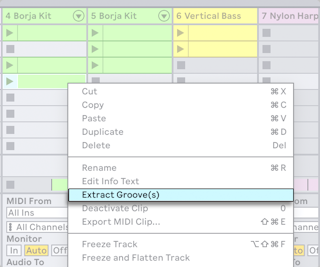
- Drag any audio or MIDI clip into the Groove Pool, or choose Extract Groove from its context menu, to make a groove from its timing and volume.
- Only the playing part of the clip counts.