Ableton/Live/UG/02 First Steps/02 Learning About Live/02 Info View
2.2.2 Info View
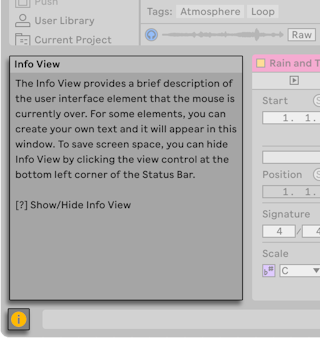
- The Info View shows the name and function of the interface element under the mouse.
- Show or hide it with the toggle in the bottom-left corner of the window or with the
?key. - Choose "Edit Info Text" from the context menu of a track, clip, device and more to write your own note for it; the text is saved with the Set. See Ableton/Info Text.