1Password/Dev/Doc/SSHnGit/Manage SSH Keys/Import SSH Key
Properties
Import an SSH key
My Notes
My Question Where is the expected location for ssh/Key/Public in 1Password? By default the New Item of type SSH Key only has a single private key field.
- I can click
add moreand then select a number of different types of items, including one item for items of typeText, but I'm a bit surprised that the SSH Key type doesn't have native support for a public key as well as a private key. - My Answer - the SSH Public Key is computed from the private key by 1Password; there's no need to add your public key separately. It will show up in the main screen. See 1Password/Dev/Doc/SSHnGit/Manage SSH Keys/Share a public Key
- I can click
When done, add a new 1Password item of type
Passwordand add the ssh/Key/Passphrase
Add SSH Private Key
New Item > SSH Key
Decrypt SSH Private Key
- enter the passphrase
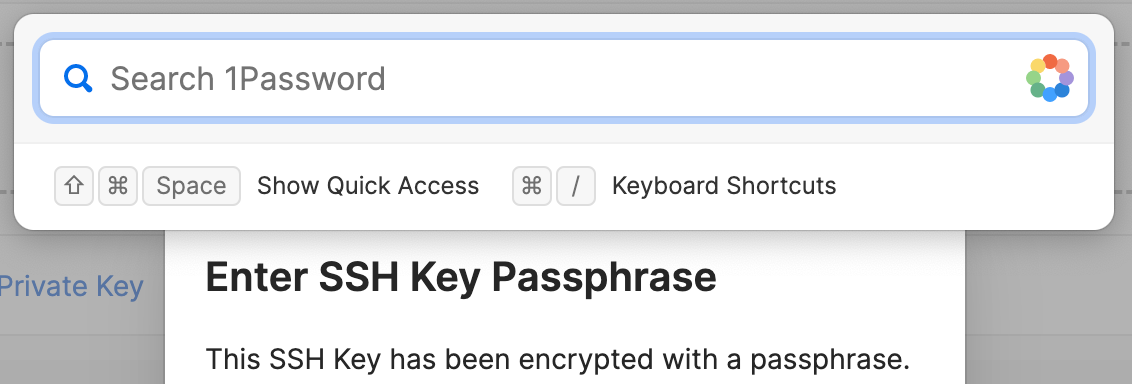
- if the passphrase is stored in 1Password, use 1Password/Quick Access to find and copy it without needing to switch context.
After you import the SSH key into 1Password, it'll be encrypted according to the 1Password security model.
- enter the passphrase